
Understand IT Incidents and Changes
Is your team piecing together tickets, monitoring and configuration to explain what happened? Our Operational Intelligence service connects that context to help investigate cause, impact and possible next steps.
Microsoft IT Consulting, Automation & AI
We help IT teams modernize Microsoft environments, strengthen security, and reduce manual work through automation and AI.








Veles brings consulting, architecture and implementation together to help your team modernize infrastructure, improve security and make IT easier to operate.
Is your team piecing together tickets, monitoring and configuration to explain what happened? Our Operational Intelligence service connects that context to help investigate cause, impact and possible next steps.
Ready to move beyond legacy infrastructure, modernize Windows endpoints or migrate workloads to Azure? Veles helps your team work through dependencies and deliver the change.
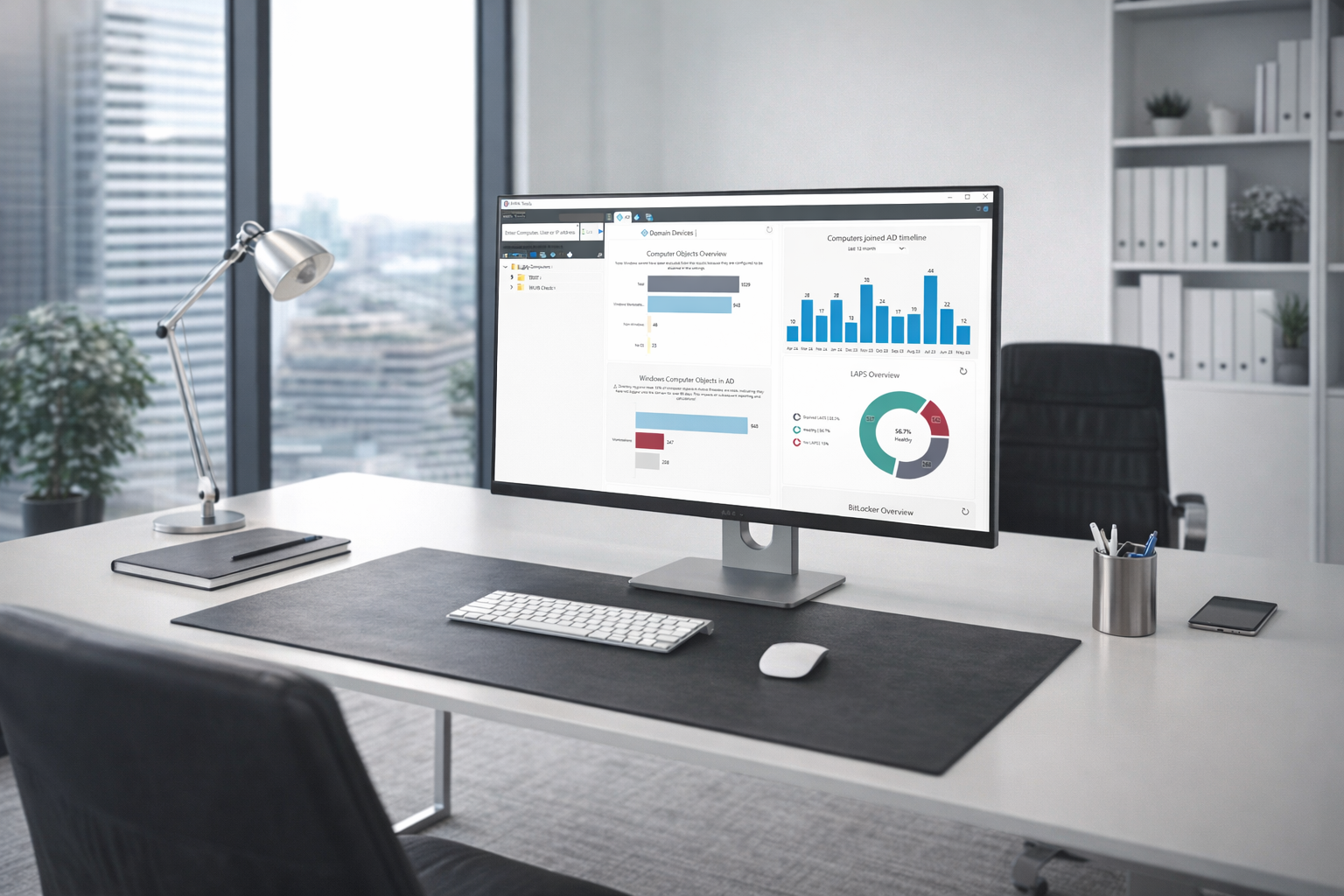
Bring endpoint management, identity and security together so your environment is easier to manage, govern and improve.
Moving from GPOs to Intune, dealing with conflicting policies or spending too long provisioning devices? We help standardize Windows management and make device operations more predictable.
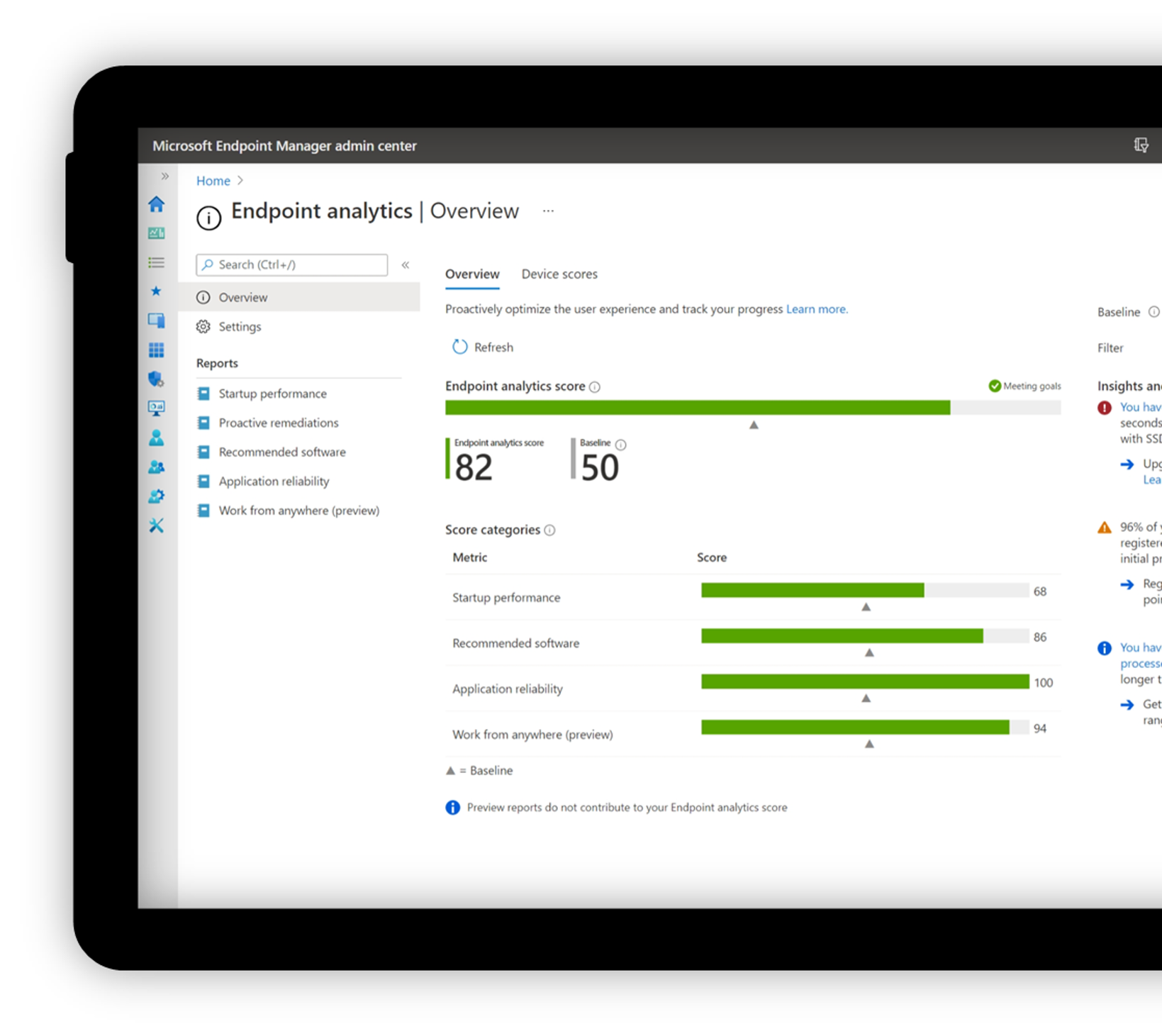
Concerned about excessive admin permissions, inconsistent access rules or access from unmanaged devices? We help align Entra ID, device trust and access policies with your security requirements.
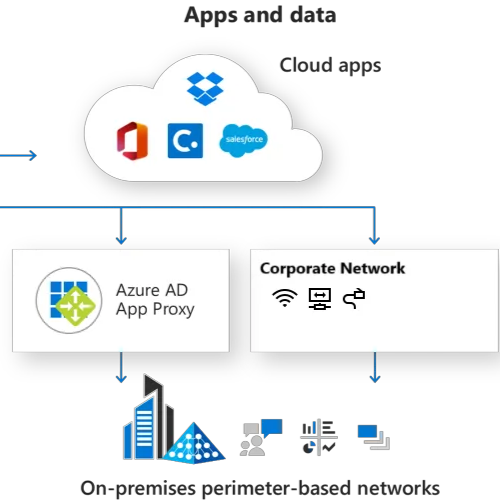
Unsure where Microsoft security controls are missing or inconsistently applied? We help your team understand the gaps, prioritize improvements and implement the agreed controls.
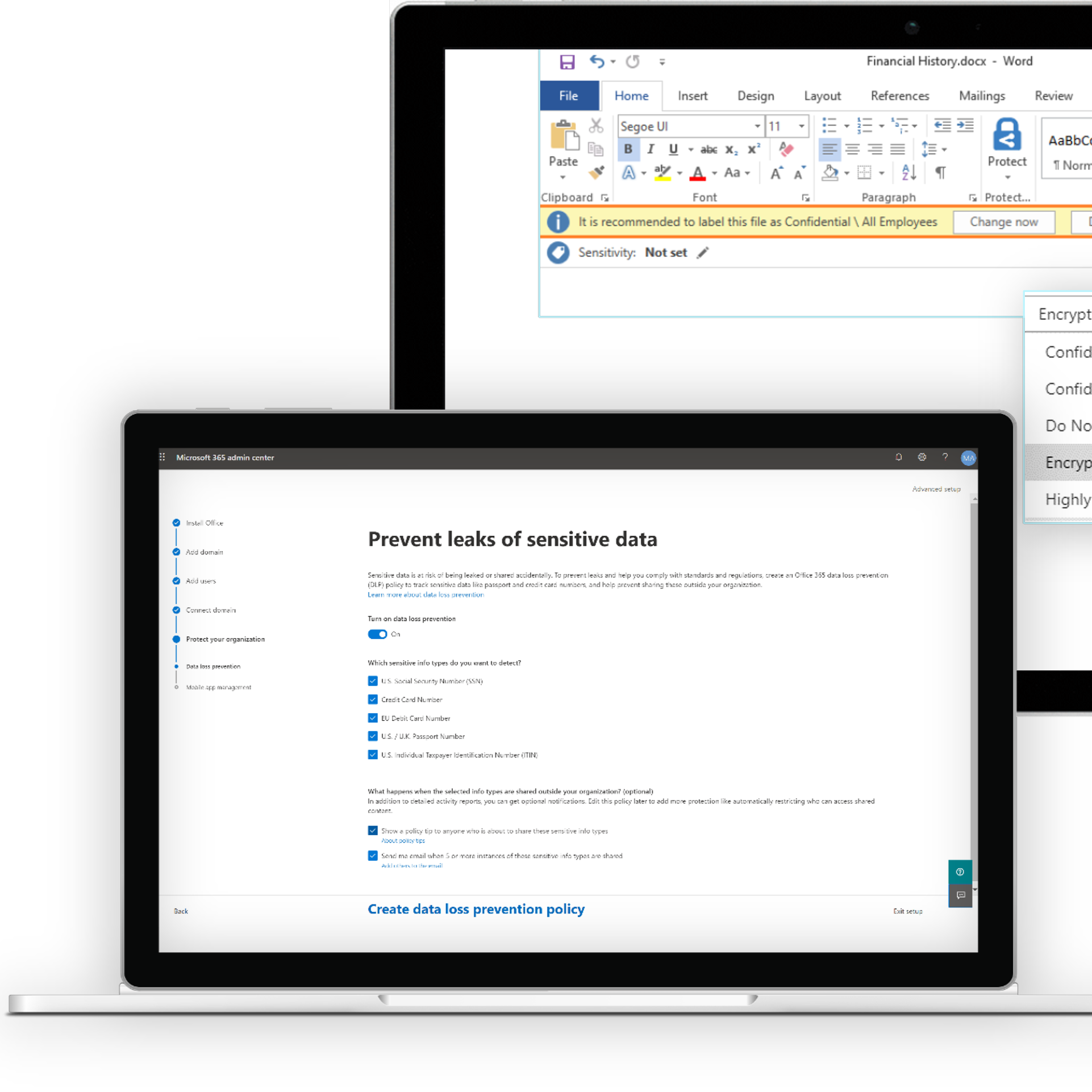
Case Study Reference
Gibson Energy needed to reduce hands-on device setup and support secure remote onboarding. Veles modernized endpoint management with Microsoft Intune and Entra ID, introduced passwordless sign-in, and automated provisioning with Windows Autopilot. The result: less manual setup, easier sign-in and more consistent security controls across managed devices.
Featured case study
From a focused project to a broader modernization initiative, Veles works with your IT team to define the right scope and deliver practical improvements.
Specialist support for Microsoft modernization, endpoint management, identity, security, cloud infrastructure and automation.
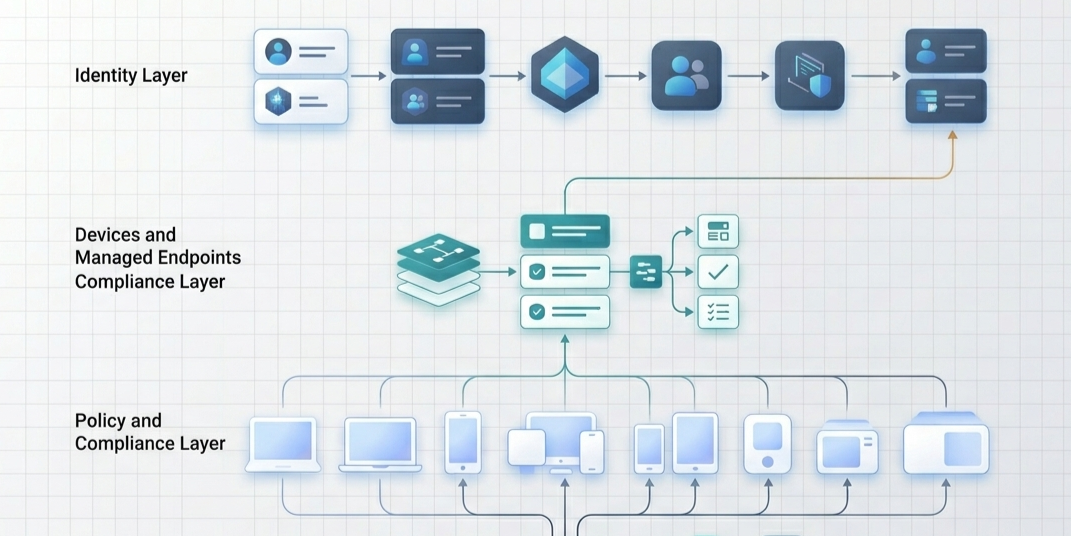
Practical Microsoft cloud, security, workflow automation and AI services for organizations building a more capable IT environment.

Explore our core service areas: IT Consulting, Azure Cloud Management, Cybersecurity, and AI & Automation.
100K+
Endpoints Designed, Secured, or Modernized
20+
Years of Deep Microsoft Engineering Experience
100+
Microsoft Environments Across Complex Deployments
1M
Configuration, Compliance, and Operational Signals Analyzed
Automate a defined process, connect systems or put an AI agent to work. We design around your workflows, permissions and the people responsible for the result.
Help employees get answers and complete routine requests without waiting on your busiest people. Veles builds AI agents that use your company knowledge and connect to your business systems, with access controls and human approval where needed.
Move requests, documents and approvals forward without constant email chasing or duplicate data entry. Veles connects Microsoft 365 and your business systems to automate repeatable steps, keep records up to date, and send exceptions to the right person.
Stop retyping information from PDFs, forms and email attachments. Veles builds document processing that extracts key details, checks required fields and sends approved data to your systems, with uncertain results flagged for review.
When the same questions and requests keep reaching your experts, an AI agent can help employees find relevant information and take the next step.
Veles connects the knowledge and systems, configures permissions and approval steps, and tests the agent against real requests. We define where it should answer, act or hand off to a person.
Start with a free conversation about your process, systems and priorities. We agree the scope and pricing before any paid implementation begins.
Tell us about your IT priorities, a project you are planning or a process that takes too much manual work. Start with a conversation about how Veles can help.
Start with a free conversation about your IT priorities. We’ll agree the scope and pricing before any paid work begins.
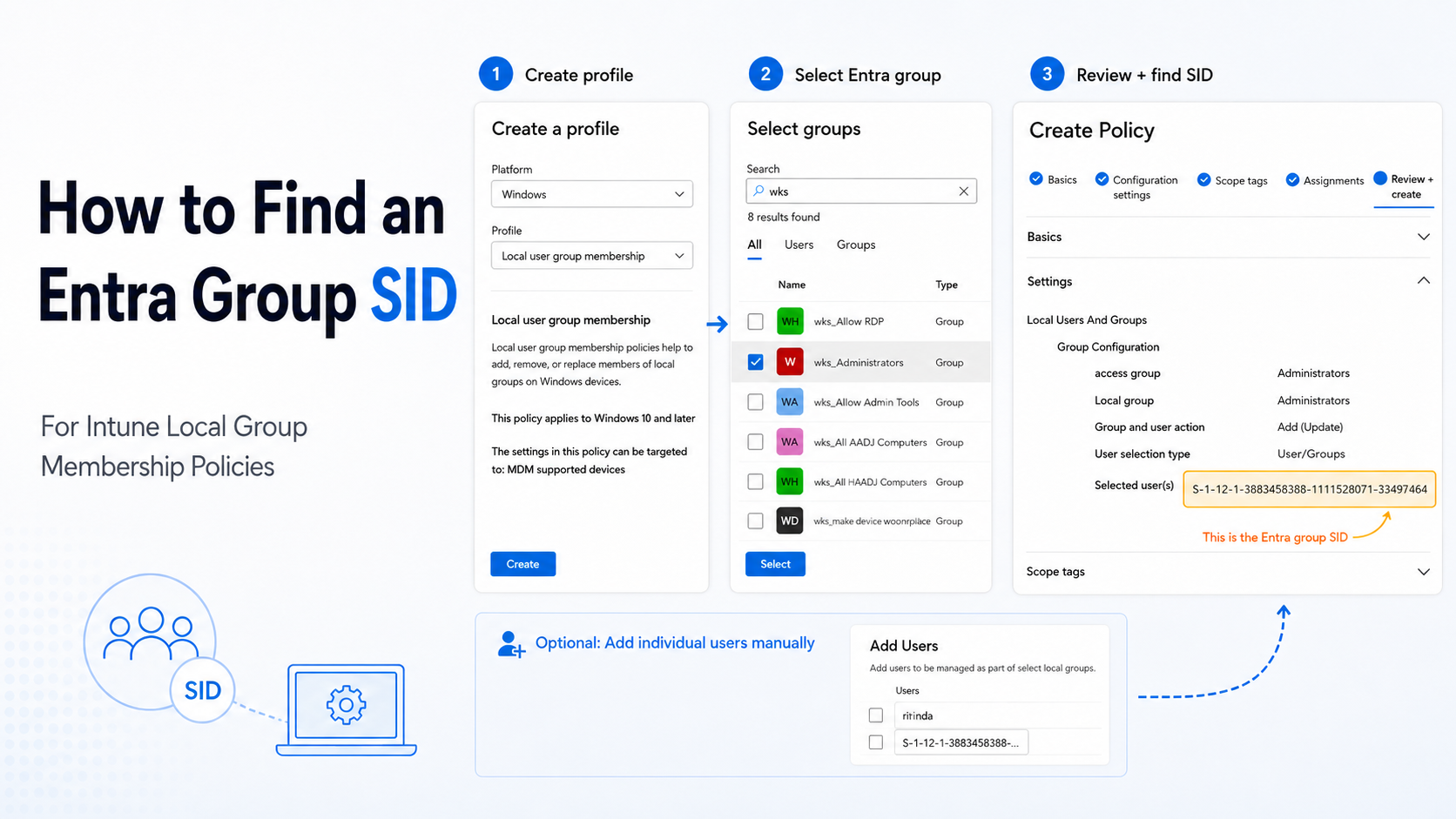
Need to add an Entra ID group to a Windows local group through Intune, but Intune asks for a SID instead of the group object ID? Here is the clean dummy-policy trick to copy the SID from Review + create.
Read story
If you’re reading this, chances are you're either managing a fleet of devices joined to Entra (formerly Azure AD) or are considering a shift to Entra-joined devices. You might be wondering whether you'll still be able to run remote scripts, access shared resources, or perform all the tasks you're used to on domain-joined machines. Don’t worry! With a few configurations and the right tools, you can still enjoy a smooth, effective way to connect and manage these devices remotely.
Read storyIf you’re reading this, chances are you're either managing a fleet of devices joined to Entra (formerly Azure AD) or are considering a shift to Entra-joined devices. You might be wondering whether you'll still be able to run remote scripts, access shared resources, or perform all the tasks you're used to on domain-joined machines. Don’t worry! With a few configurations and the right tools, you can still enjoy a smooth, effective way to connect and manage these devices remotely.
Read story
Often, when IT admins discuss remote management of Azure AD-joined (now Entra ID) devices, there’s a perception that achieving secure remote management is nearly impossible. The sentiment often goes, “Why would you want a ‘swiss cheese’ firewall on your public profile?” But is it actually possible to configure a firewall on Entra ID-joined devices to allow traffic like SMB, RPC, and WinRM securely, similar to domain-joined devices? The answer is yes! In this post, I’ll walk you through a secure approach to firewall configuration that keeps your Azure AD-joined devices accessible yet protected.
Read storyOften, when IT admins discuss remote management of Azure AD-joined (now Entra ID) devices, there’s a perception that achieving secure remote management is nearly impossible. The sentiment often goes, “Why would you want a ‘swiss cheese’ firewall on your public profile?” But is it actually possible to configure a firewall on Entra ID-joined devices to allow traffic like SMB, RPC, and WinRM securely, similar to domain-joined devices? The answer is yes! In this post, I’ll walk you through a secure approach to firewall configuration that keeps your Azure AD-joined devices accessible yet protected.
Read story


